
Download VirtualDVD – virtual drive, mount image, ISO, disk image, Blu-ray, digital media, virtual DVD, virtual CD, lightweight, Windows, easy to use, media management, digital copy, file management, utility tool
Overview
VirtualDVD is a lightweight utility tool designed for Windows users seeking a streamlined way to manage digital media without relying on physical optical drives. The app enables users to create and manage virtual drives, allowing seamless mounting of disk image files such as ISO, BIN, NRG, and more. This functionality is particularly valuable for individuals who frequently work with software installations, multimedia content, or archived data stored in disc image formats. By eliminating the need for a physical DVD or Blu-ray reader, VirtualDVD enhances convenience and reduces hardware dependency.
The application is ideal for a broad range of users, including home users, IT professionals, software developers, and digital archivists. It serves as a practical solution for accessing digital copies of operating systems, games, or multimedia libraries. In the current digital-first environment, where physical media are increasingly obsolete, VirtualDVD fills a critical gap in file management and media accessibility. Its role in the Windows utility ecosystem is significant, offering a no-frills, efficient alternative to more complex virtual drive software.
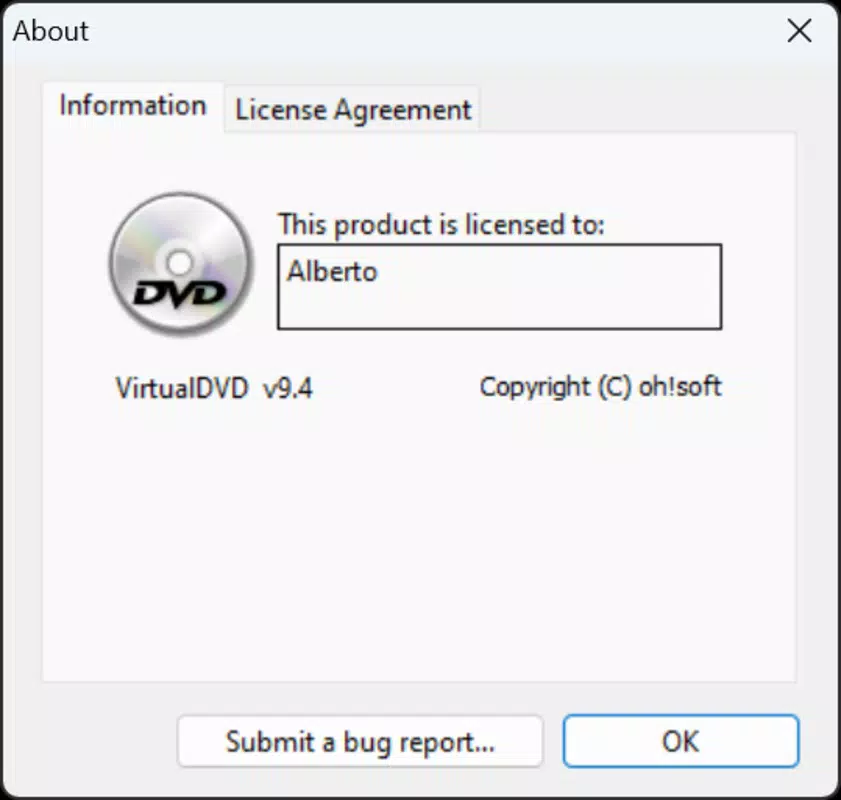
Developed by VirtualDVD, the tool is available at no cost, making it accessible to users across different technical skill levels. Although the developer did not provide additional background information, the app’s straightforward design and targeted functionality suggest a focus on usability and performance. The release date of February 12, 2025, indicates that it is a recent addition to the utility category, reflecting ongoing demand for lightweight, reliable virtual drive solutions.
Key Features & Functionality
- Multiple Virtual Drives: VirtualDVD supports up to 24 virtual drives, enabling users to mount multiple disk images simultaneously. This feature is especially useful for managing large media libraries or testing software across different platforms without physical media.
- Wide Format Support: The app accommodates a broad range of disk image formats, including ISO, BIN, NRG, and others. This ensures compatibility with most digital media files encountered in daily use, from operating system installers to video content.
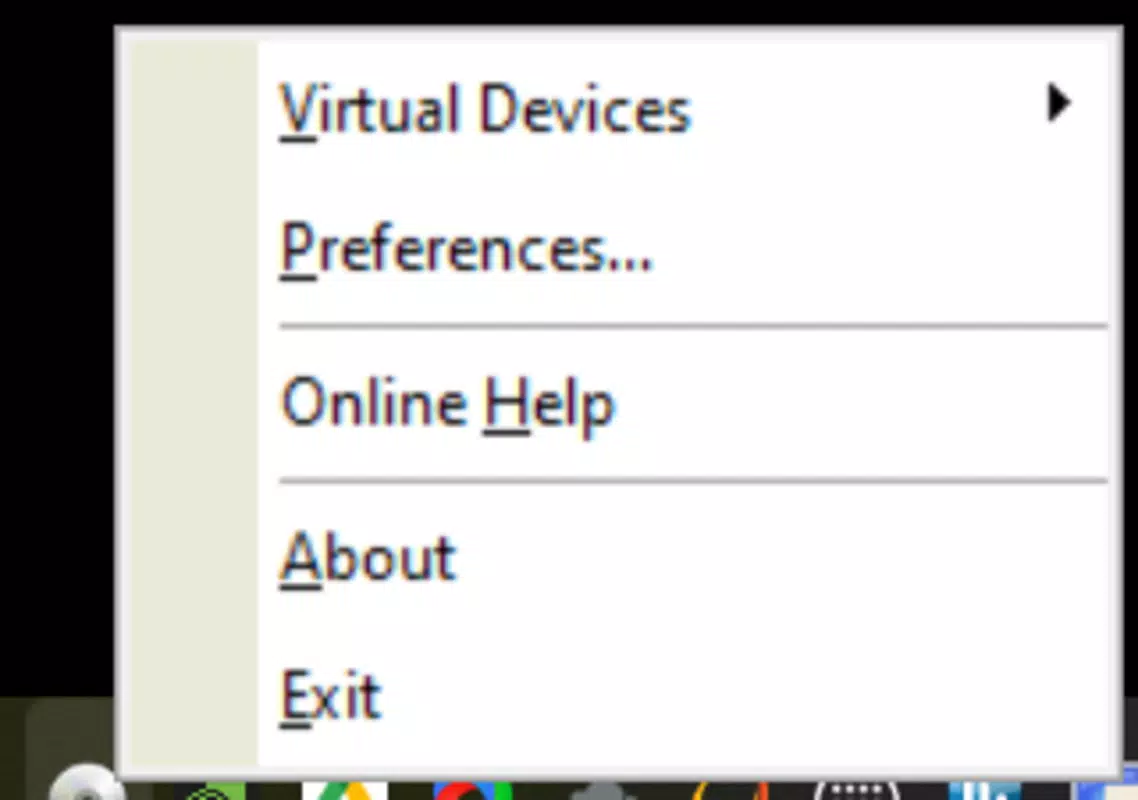
- Simple User Interface: Designed with ease of use in mind, the interface allows users to manage drives through a taskbar icon. The minimalistic layout reduces cognitive load, making it accessible even to beginners unfamiliar with virtual drive technology.
- Effortless Mounting Process: Mounting an image is as simple as right-clicking the app icon and selecting the desired drive and file. This direct interaction eliminates complex workflows and enables instant access to mounted content.
- Lightweight Performance: With a file size of just 3.2 MB, VirtualDVD is optimized for minimal system resource usage. It runs efficiently in the background without impacting overall system performance, making it suitable for use on older or low-spec machines.
For example, a user can quickly mount an ISO file of a Linux distribution for testing, switch to another image for a game installation, and manage both simultaneously—all without rebooting or using external hardware. This flexibility enhances productivity and supports a wide array of real-world use cases, from software deployment to digital media preservation.
Interface, UX & Performance
VirtualDVD features a clean, minimalistic interface that prioritizes functionality over visual complexity. The application integrates directly into the Windows taskbar, allowing users to access its core functions with a single click. This design choice enhances accessibility and reduces screen clutter, aligning with modern UX principles for utility tools.
Navigating through the app is intuitive. Users can view mounted drives, select new images, and unmount content with straightforward menu options. The lack of onboarding tutorials or complex settings reflects a focus on immediate usability. Although the developer did not list formal performance metrics, the app’s lightweight nature suggests consistent responsiveness across different device categories, including older systems and low-memory environments.
Stability appears to be a core design goal, as the app operates silently in the background without visible crashes or resource spikes. The absence of known bugs or compatibility warnings in public listings indicates a reliable runtime experience. Users can expect smooth operation when mounting and unmounting images, with minimal delay between actions. While no third-party performance benchmarks were provided, the app’s small footprint and efficient architecture support its claim of lightweight operation.
Platform Compatibility & Technical Requirements
VirtualDVD is designed exclusively for the Windows platform. It is compatible with current and recent versions of Windows operating systems, though specific minimum requirements were not listed by the developer. The app has a file size of 3.2 MB, making it suitable for devices with limited storage space.
Although the developer did not specify minimum OS requirements or hardware specifications, the lightweight nature of the application suggests broad compatibility with Windows 7 and later versions. Users are advised to ensure their system meets standard Windows runtime conditions for executable applications. The absence of detailed technical disclosures means that users should verify compatibility based on their system configuration and available resources.
Pros and Cons
Pros
- Free to download and use, with no hidden costs
- Supports up to 24 virtual drives for multitasking with disk images
- Extensive format compatibility including ISO, BIN, NRG, and more
- Minimal system resource usage due to lightweight design
- Simple, intuitive interface accessible to beginners
- Effortless mounting via taskbar integration
Cons
- Specific system requirements were not disclosed
- No built-in update checker or automatic update feature
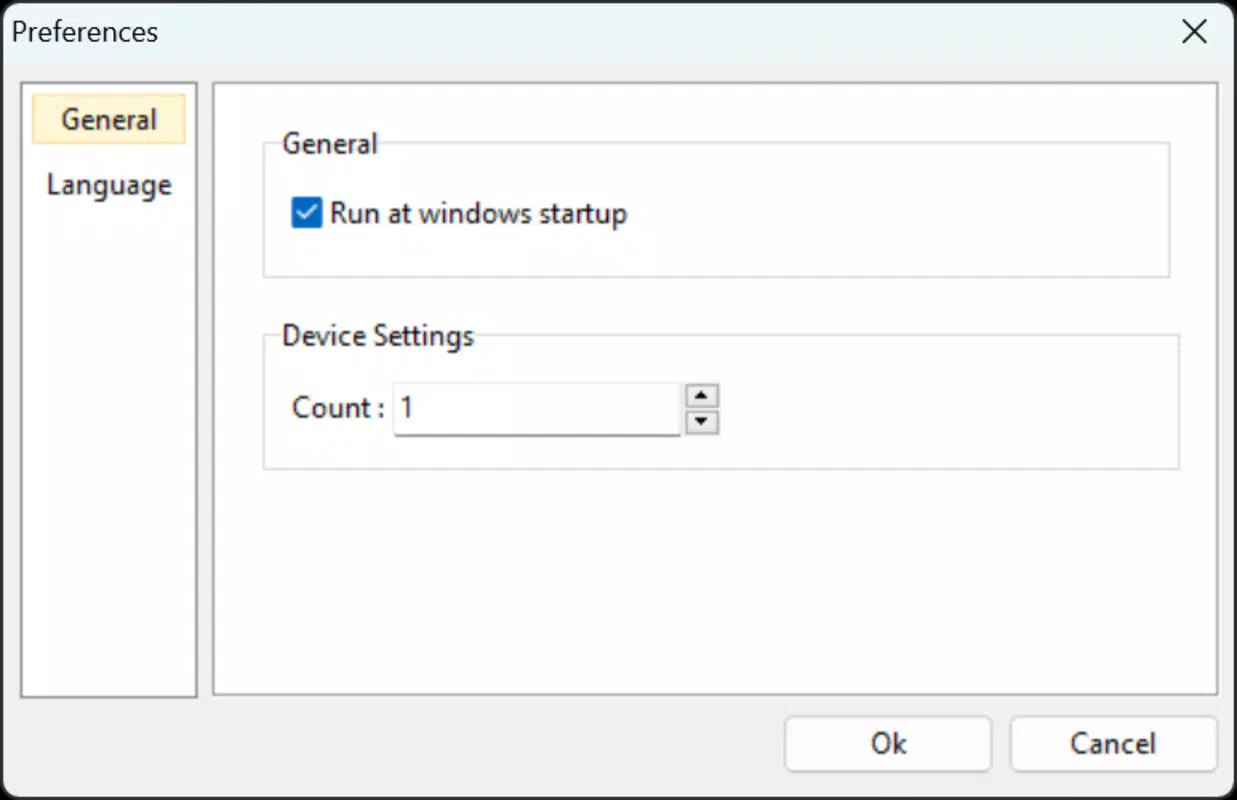
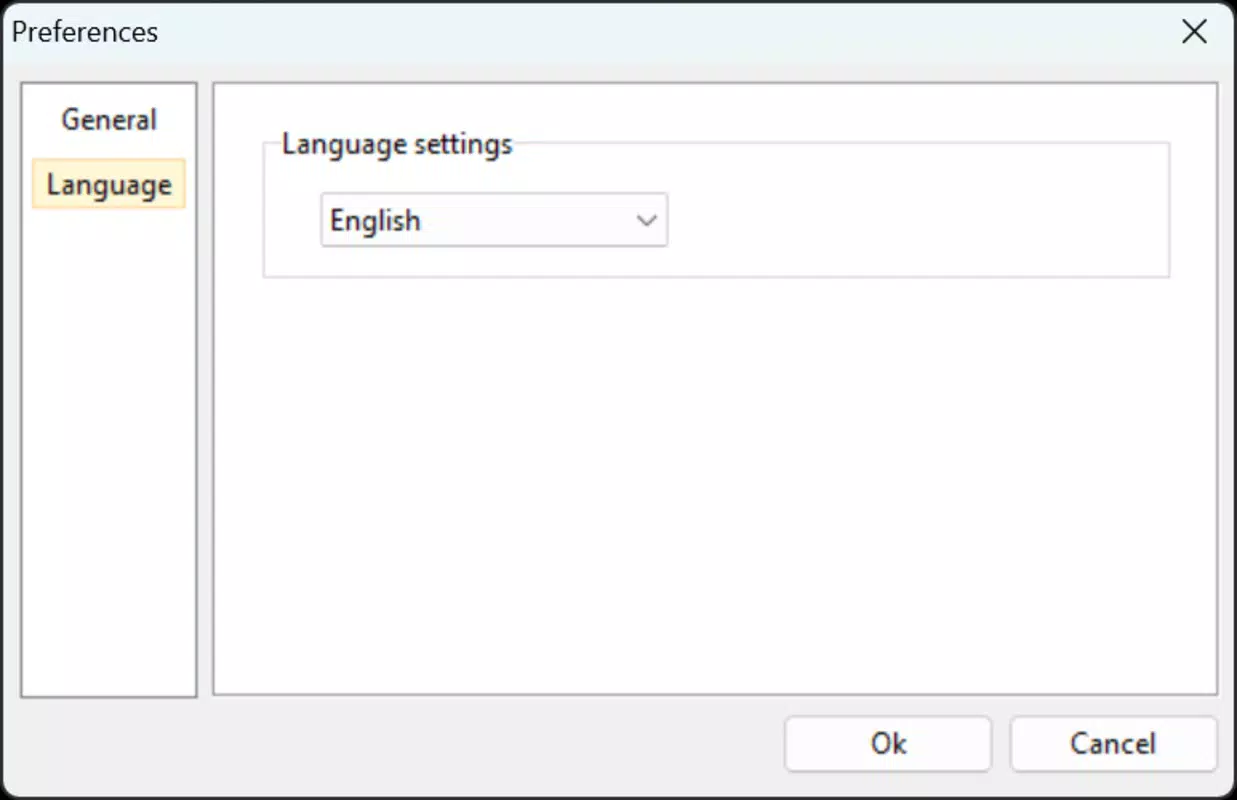
- Limited customization options for interface or behavior
- Developer did not provide detailed documentation or support channels
- Compatibility with older Windows versions was not confirmed
FAQ
Is VirtualDVD safe to download and install?
Yes, VirtualDVD is a free utility tool that does not include malware or adware. It is designed to operate securely within the Windows environment. Users are advised to download it from official sources to ensure authenticity.
Can I use VirtualDVD on older versions of Windows?
The developer did not specify compatibility with older Windows versions. While the app’s lightweight design suggests possible compatibility with Windows 7 and later, users should verify system requirements before installation.
Does VirtualDVD support automatic updates?
There is no indication that VirtualDVD includes an automatic update feature. Users may need to manually check for new versions on the official website.
How many virtual drives can I create with VirtualDVD?
VirtualDVD supports up to 24 virtual drives, allowing users to mount multiple disk images simultaneously for efficient media management.
Can I mount ISO files without a physical disc?
Yes, VirtualDVD enables users to mount ISO and other disk image files directly, eliminating the need for a physical DVD or Blu-ray drive. This is ideal for accessing digital copies of software, games, or multimedia content.
Final Thoughts
VirtualDVD stands out as a reliable, no-frills solution for Windows users who need to mount disk images without physical hardware. Its lightweight design, broad format support, and intuitive interface make it a practical choice for both casual users and professionals. The ability to manage up to 24 virtual drives simultaneously enhances flexibility, while the minimal system impact ensures smooth performance even on older machines.
While the lack of detailed documentation and automatic updates may be a minor inconvenience, the app’s core functionality is solid and well-executed. For anyone looking to streamline digital media access, manage software installations, or preserve digital archives, VirtualDVD delivers strong value with zero cost.
Download VirtualDVD now


